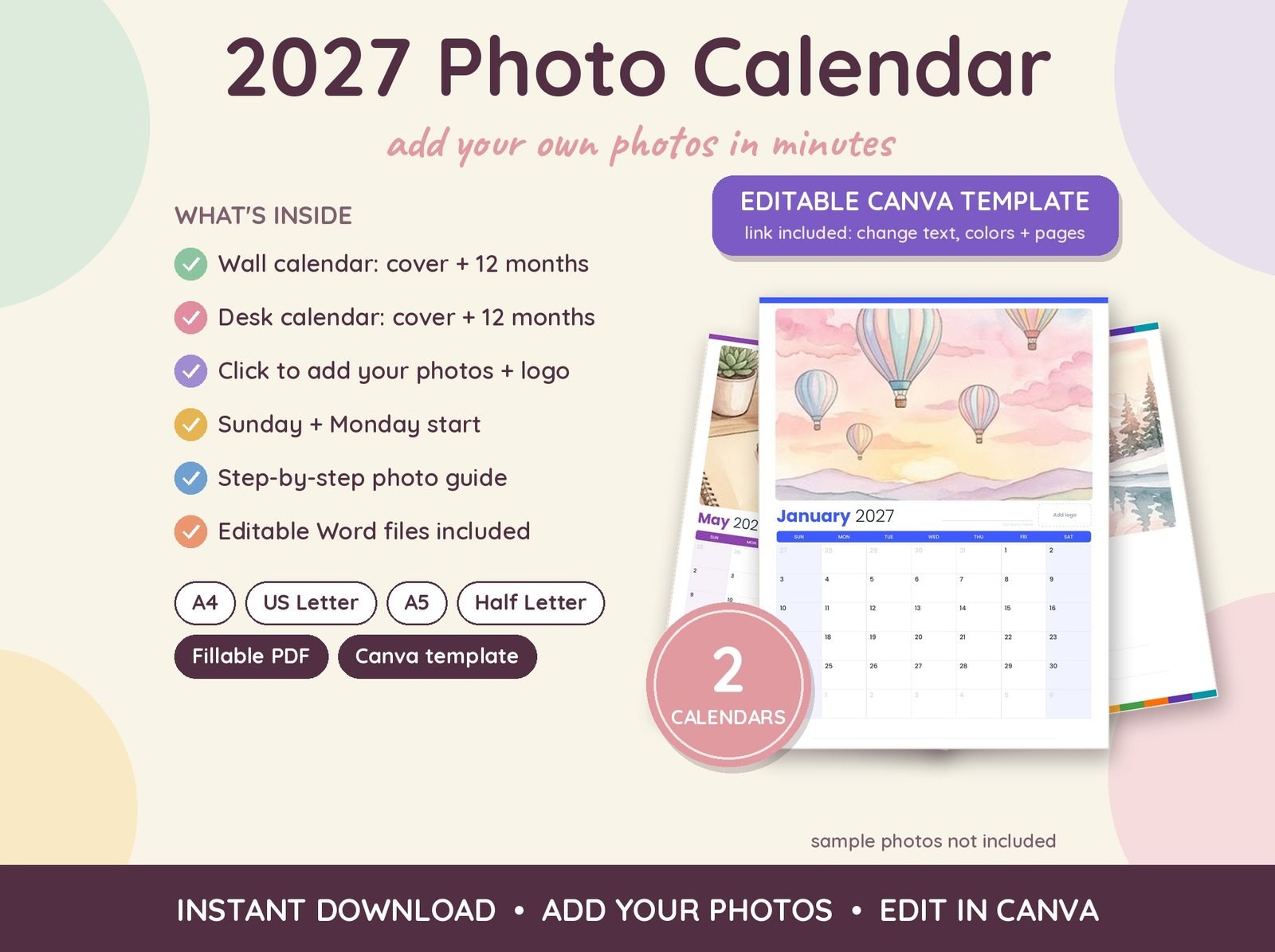

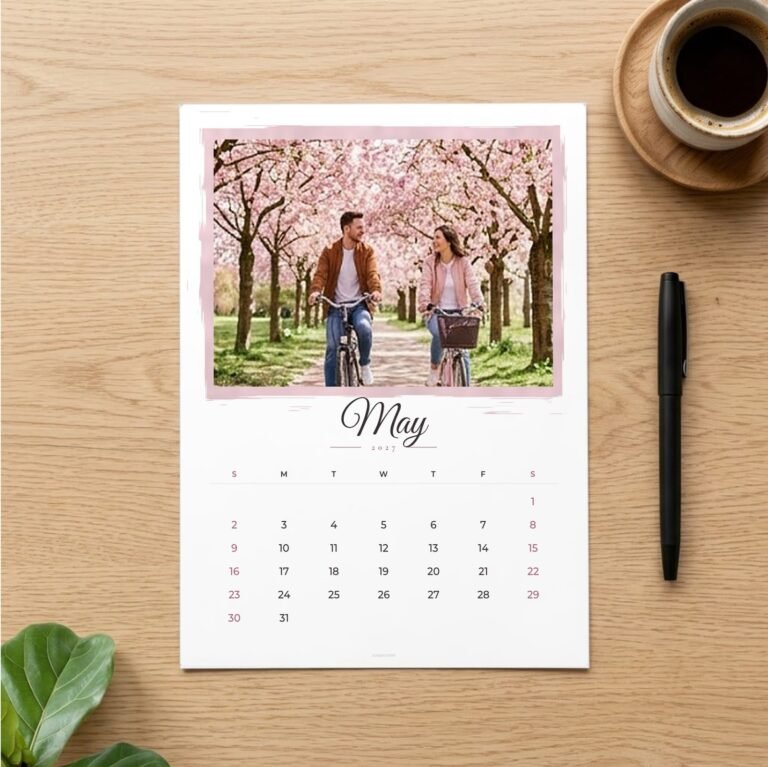
Turn your favourite pictures into a personalised 2027 calendar. These photo calendar templates open in Canva, so you can drop in your photos, change the text and download a print-ready PDF in minutes.
Two ways to make a calendar with photos
- DIY Photo Calendar: two clean designs with a large photo area on every month, perfect for a family calendar with pictures from the past year.
- Couple & Family Photo Calendar: two themed designs, “A Year of Love” for couples and “Our Family Year” for families, with a photo cover and editable text.
How it works
- Download the instruction PDF and click the template link.
- Sign in to Canva. A free account is enough.
- Upload your photos and drag them into the photo frames.
- Edit names and captions, then download as PDF and print.
What’s included
- 16 Canva templates per listing: 2 designs, US Letter and A4, Sunday and Monday start
- 13 pages per template: a photo cover plus 12 months
- Editable photo areas and text
- PDF guide with template links
A personalised gift that costs very little
A custom photo calendar is a thoughtful gift for grandparents, partners and friends. Print it at home or at a local print shop, then add a binder clip or spiral binding.
Frequently asked questions
Do I need Canva Pro?
No. A free Canva account is enough to edit and download the templates.
Can I print it as a large calendar?
Yes. Download the PDF and print on US Letter or A4, or ask a print shop to print it on larger paper.
How many photos can I add?
At least one for the cover and one for every month, and you can add more photo frames in Canva.
Related: 2027 Calendar Printable · Funny Calendar 2027 · 2027 Desk Calendar Printable