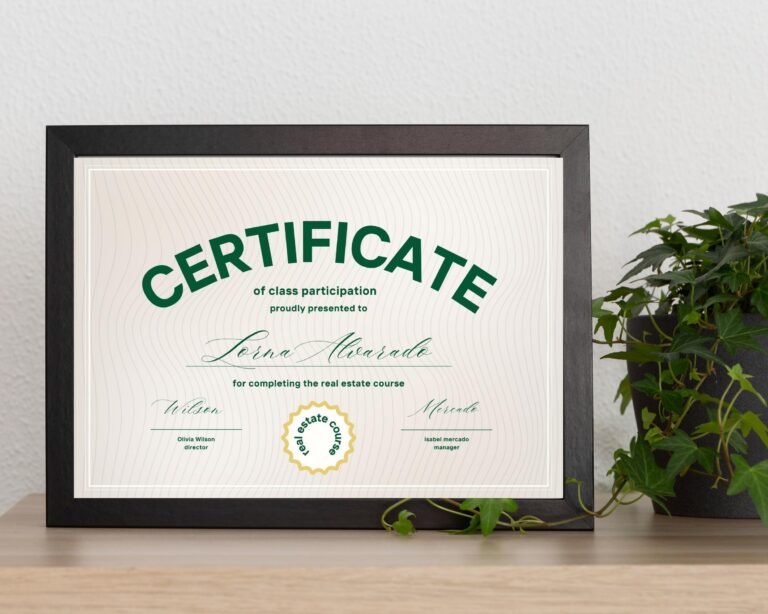
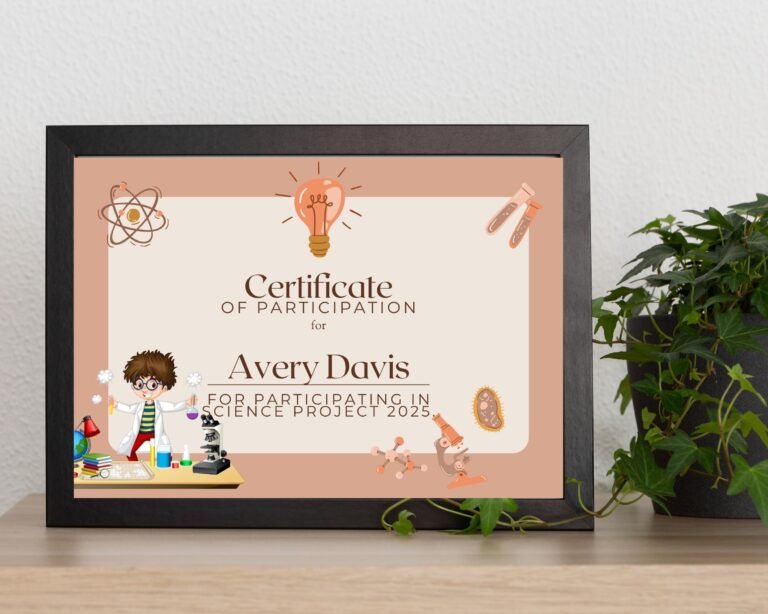


Award certificates for every occasion
Each certificate template is designed for a real moment: an end-of-year classroom ceremony, a spelling bee, a recital, a reading challenge, perfect attendance or the last day of a staff training course. Pick the award below to see what each template is for.
How editable certificate templates work
- Download the PDF from Etsy. It contains the link to your Canva template.
- Click the link and choose “Use template”. A free Canva account is enough.
- Type the name, date, award title and message. You can also change fonts, colors and the background.
- Download as a PDF and print, or email the certificate to the recipient.
Tips for printing certificates at home
- Print at 100% or “Actual size” so the border is not cut off.
- Use white or ivory card stock (65 to 110 lb) for a certificate that feels official.
- Gold borders look best with a laser printer or a print shop, but a home inkjet printer works too.
- Make one copy, check the spelling of every name, then print the whole class.
Certificate wording ideas
Keep the wording short and specific. Name the achievement, add the date, and sign it. For example: “Awarded to Maya Lopez for outstanding effort in reading, May 2027”, or “In recognition of successfully completing Customer Service Training”.
Frequently asked questions
Do I need Canva Pro to edit the certificates?
No. All of our certificate templates work with a free Canva account.
Can I make a certificate for every student in my class?
Yes. Edit the name, download the certificate, then change the name again for the next student. You can reuse the template as often as you like for your own school, club or business.
Can I email a certificate instead of printing it?
Yes. Download it from Canva as a PDF and send it by email.